- Article
- Help
Spear Education Login: Access Your Account or Free Trial
Spear Team
•
January 1, 2015
Whether you’re a current member or just getting started, here’s how to access your Spear account.
Already have a Spear account?
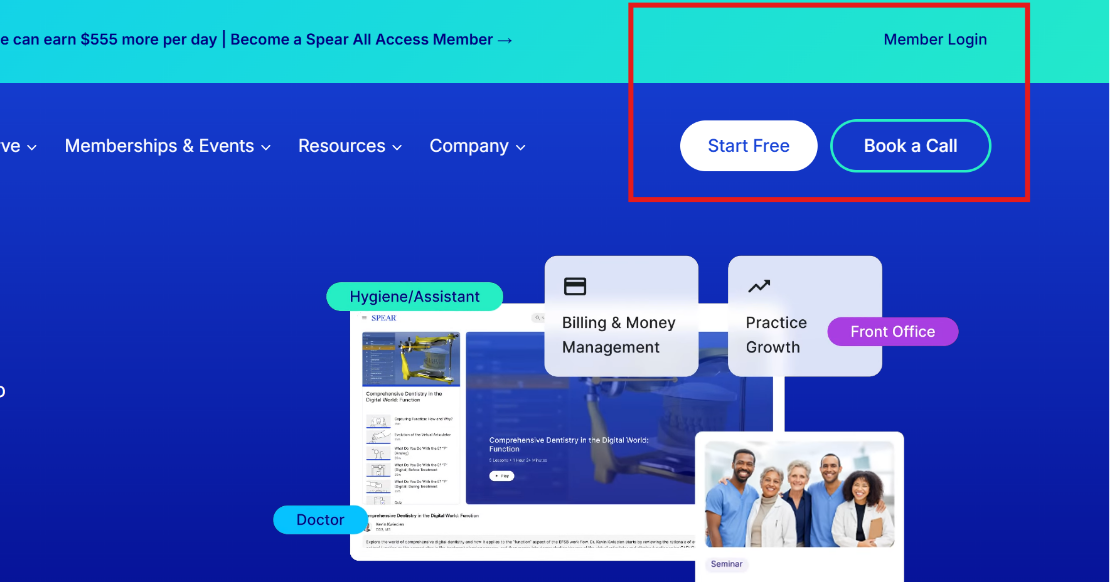
- Go to the Spear Education website.
- Select Login in the upper right corner of the page.
- Enter your email address and password.
- Select Login.
That’s it. You’ll be taken straight to your Spear dashboard.
Don’t have an account yet?
If you haven’t created a Spear login, you’re missing out on hundreds of clinical courses, case-based learning, and tools built for practicing dentists. The good news: you can create an account and start your 7-day free trial in a couple of minutes, no commitment required.
During your trial, you’ll get full access to explore Spear’s library and see if it’s the right fit for your practice before you decide on a membership.
Trouble logging in?
- Forgot your password? Select Forgot Password on the login page and follow the reset instructions sent to your email.
- Not sure if you have an account? Try the password reset first. If no email arrives, you likely don’t have one yet, and you can create one above.
- Still stuck? Contact us at support@speareducation.com, and we’ll help you get back in.
Frequently Asked Questions
SPEAR Membership
Try Spear Free For 7 Days
See what a Spear Membership can do for you and your team before you decide. A free 7-day trial gives you full access to Spear Online’s clinical CE courses and practice team training, so you can find the membership level that fits your practice.
Featured Digest articles
Insights and advice from Spear Faculty and industry experts